
A platform to manage processes, case files and documents
BPM, 360° case file, document management, forms, SLAs, dashboards and integrations working as a single system, on web and mobile.
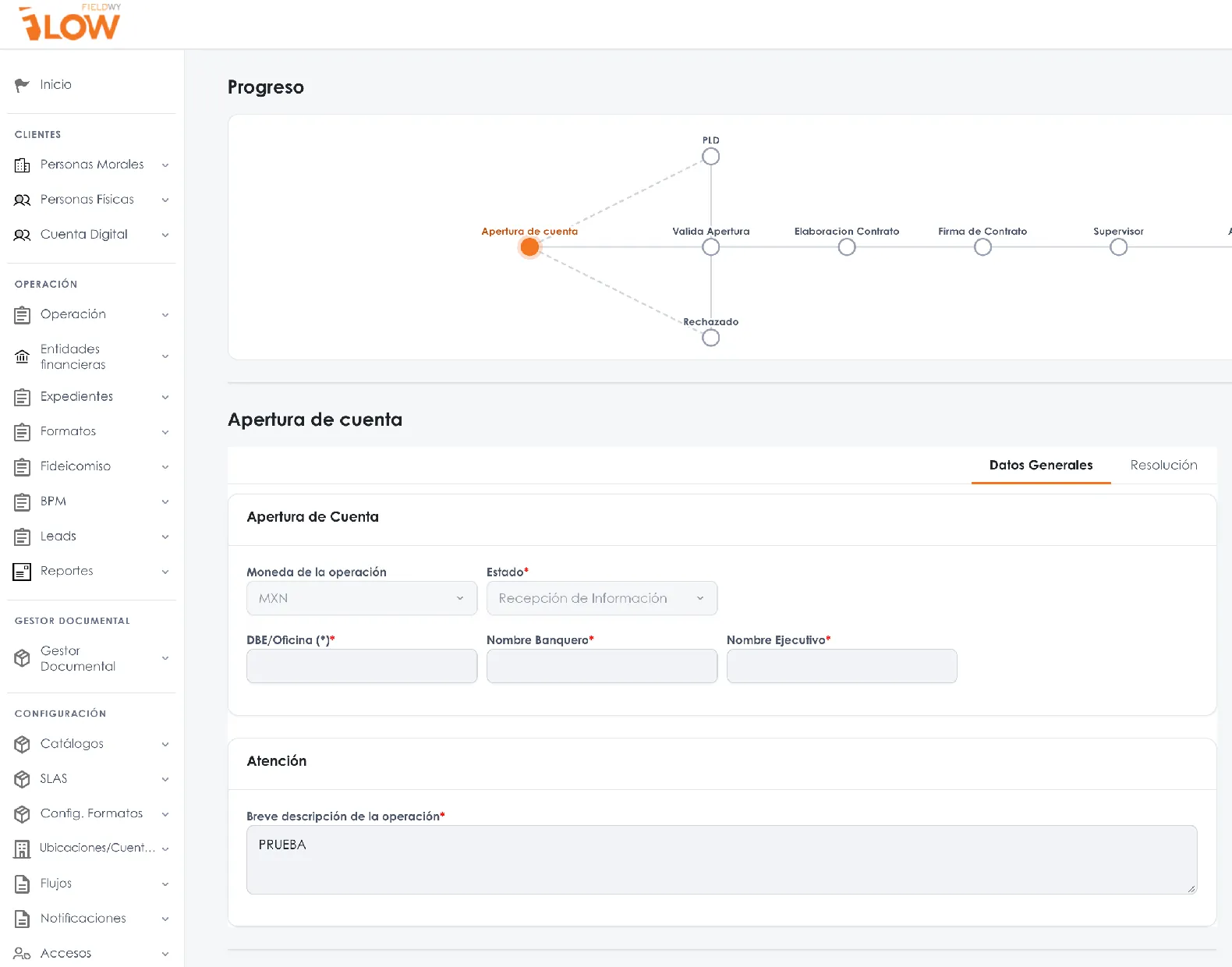
BPM and workflows
Design the process once and run it the same way every time
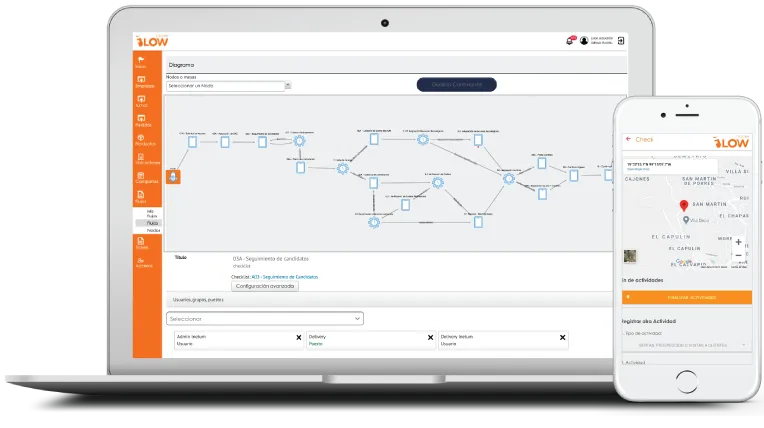
A visual designer to define activities, decisions, routes and forms. Every incoming case follows exactly those rules.
- Visual design of activities, decisions, parallel routes and forms.
- Rules engine that evaluates conditions and routes each case to the right department.
- Controlled exceptions: comments, returns and rework with a reason.
- Assignment by role, position, hierarchy or workload.
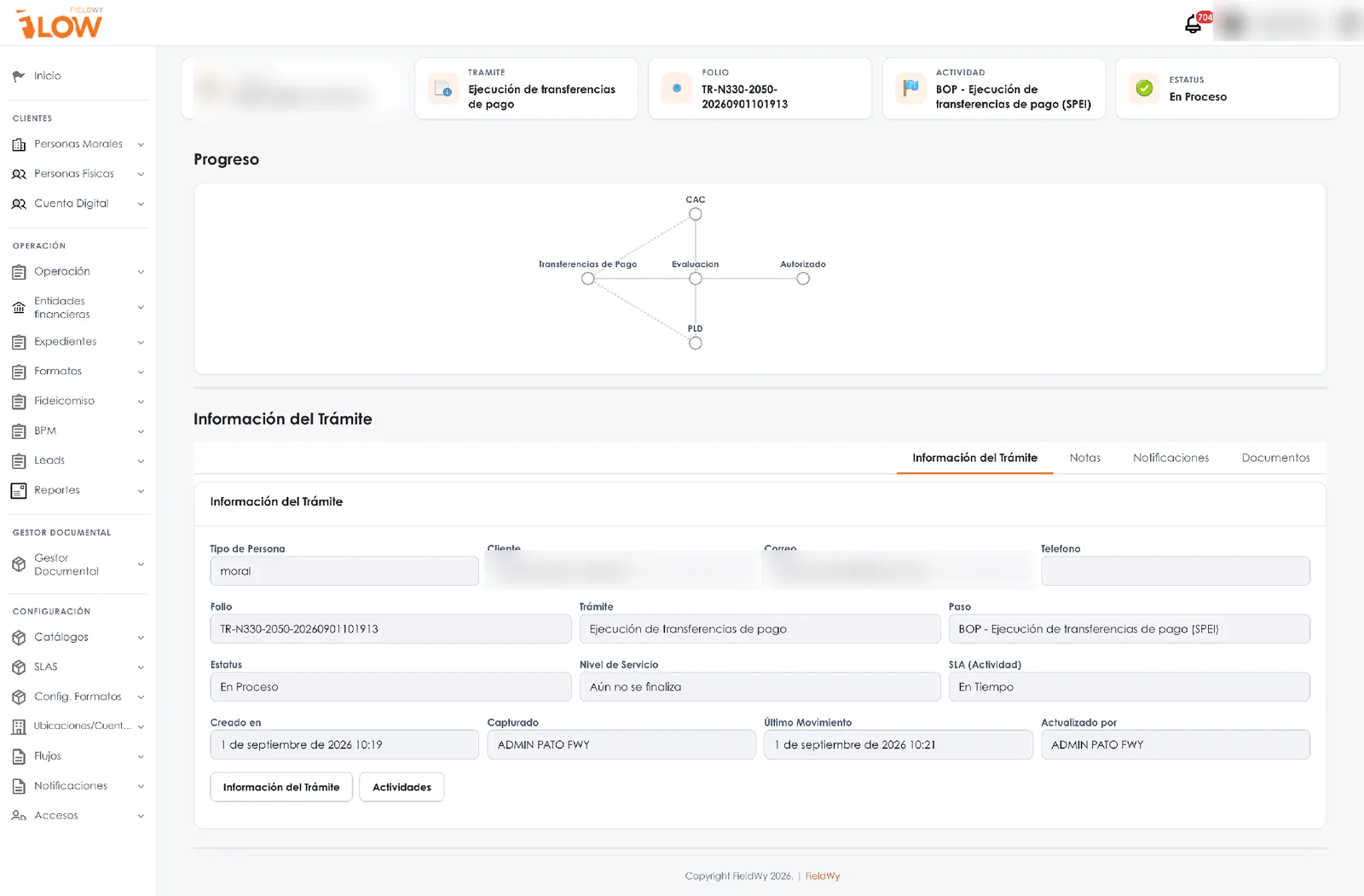
360° case file
A single view of the client, the case and its related parties
Individuals and legal entities with shareholders, attorneys-in-fact, beneficiaries and obligors, each with their own case file. What is captured once is reused for every new product or request.
- Case file progress and client verification status.
- Actionable to-dos: what is missing, who owes it and by when.
- Complete history of products, transactions and documents.
- Role-based view: each department sees what it needs.
Identity validated · biometricsComplete
Powers under reviewUnder review
Official ID missingMissing
Watchlists and data verificationPending
Document management
Documents that are current, versioned and always in context
FLOW's document management is tied to the process: it knows which document is needed, for which product, from when it is valid and who can see it.
- Automatic checklist by party type, product or request.
- Expiry alerts before documents expire.
- Versioning and an integrity fingerprint for every file.
- Library by category: identification, legal, financial and contracts.
- Contracts from templates using case file data, with e-signature.
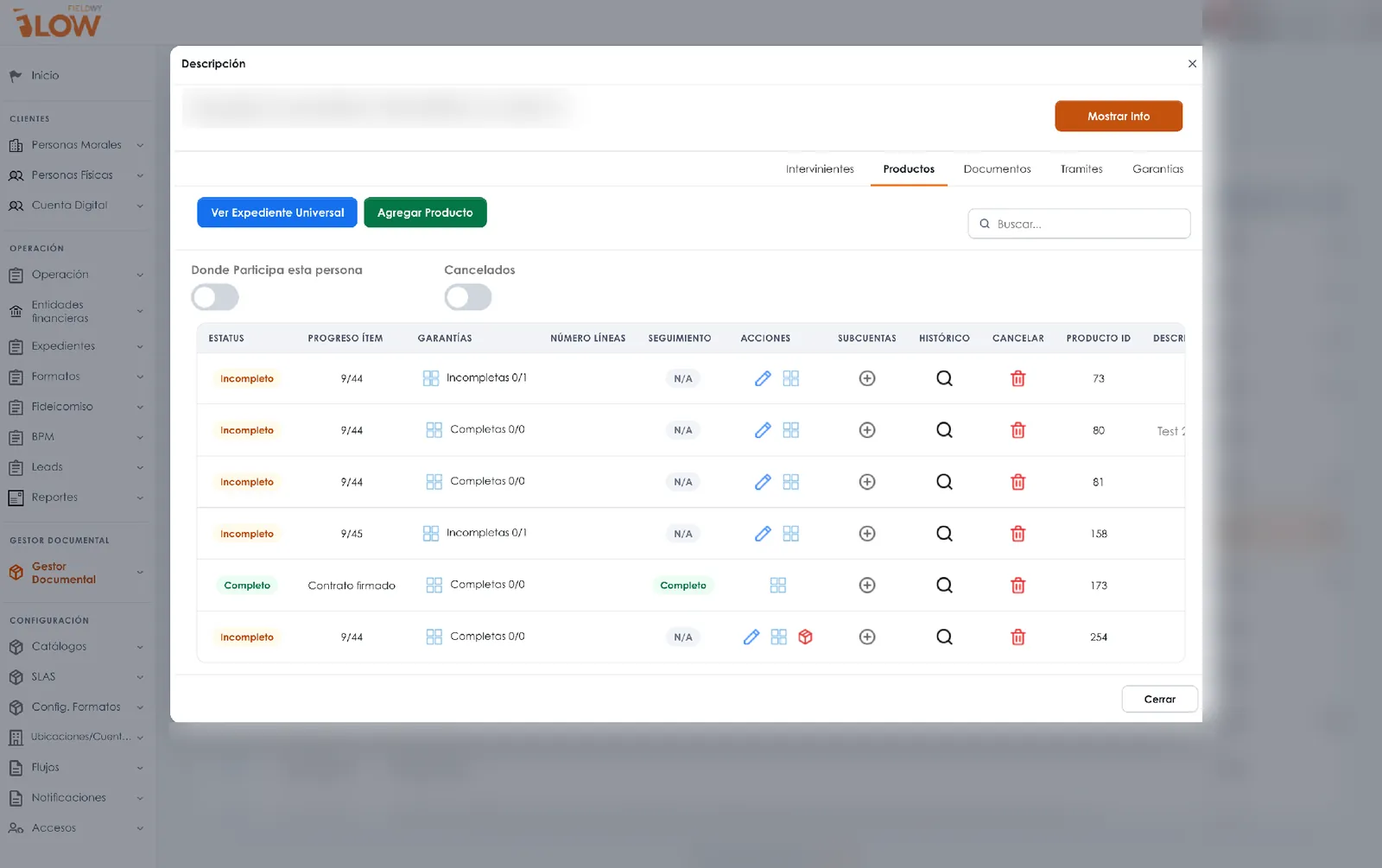
Forms and templates
Structured data capture and documents that generate themselves
Forms with sections, validations, conditional rules and formulas. Templates that pull data from the workflow to generate contracts, letters, records and reports.
- Required fields, catalogs and real-time validations.
- Formulas and calculations for dynamic scenarios.
- Templates with your institution's branding.
- Electronic signature when the process requires it.
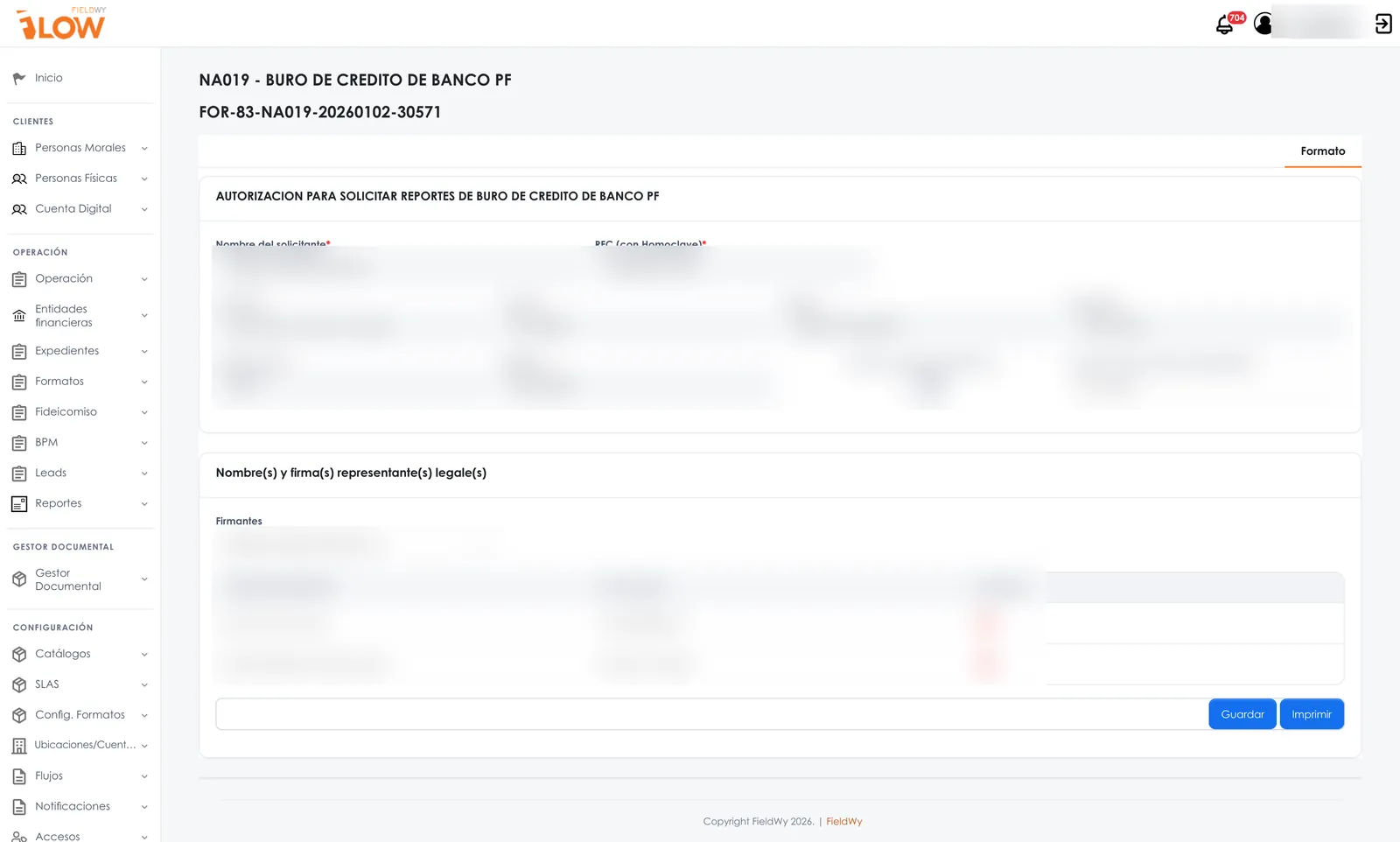
SLAs and operational control
Every activity with a committed timeframe
Set the response time for each activity. FLOW shows what is on time, what is about to expire and what is already overdue, and escalates when needed.
- Traffic-light status by case and by activity.
- Automatic notifications and reminders.
- Escalation to the corresponding approval level.
- Time tracking by department and owner.
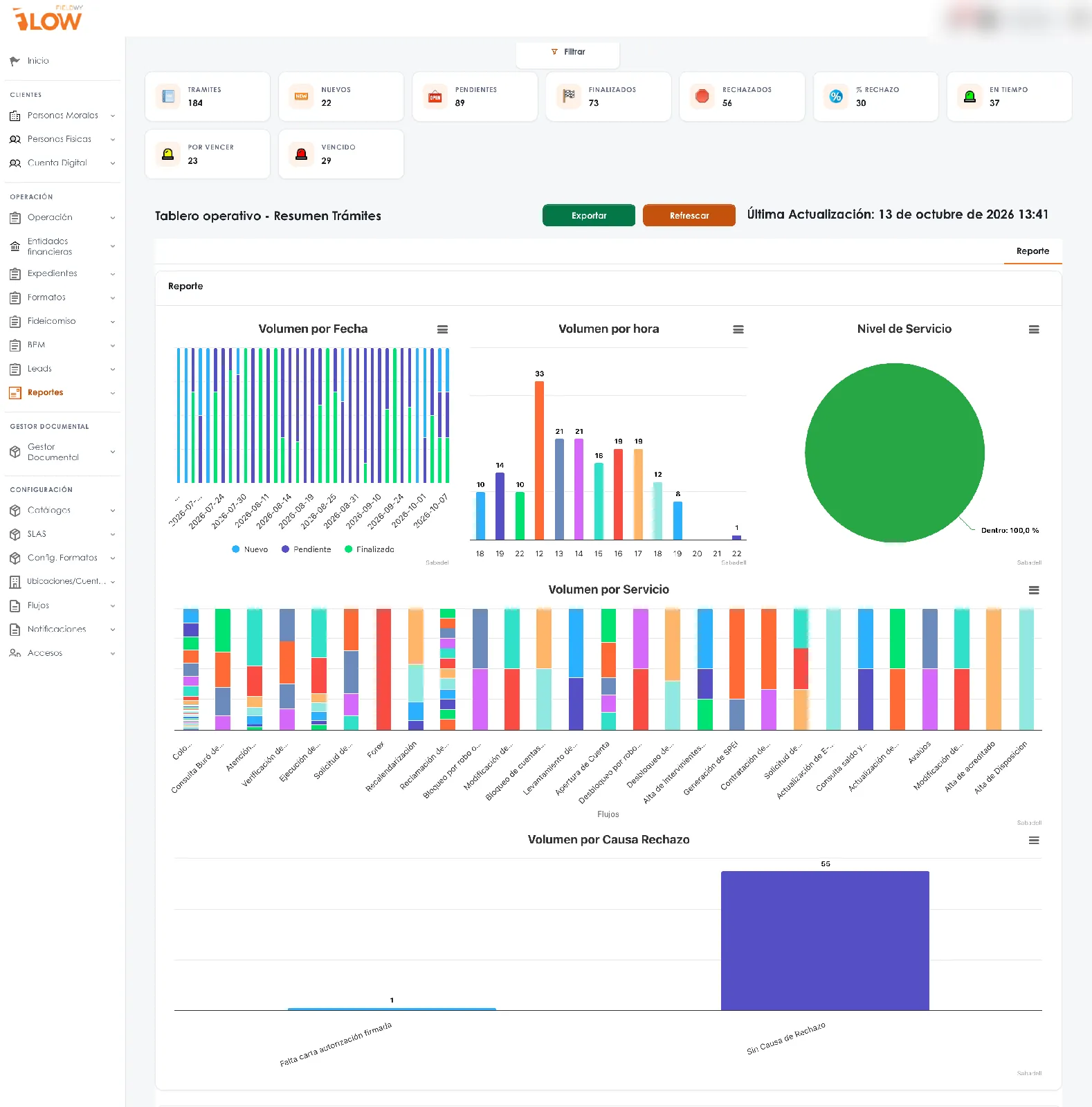
Volume by stage, rejections and times by owner.
Dashboards
From the individual case to the executive KPI
Dashboards with volume, rejections, service level and productivity. From every KPI you can drill down to the case and its evidence.
- KPIs by process, department, region and period.
- Data export.
- Integration with BI tools.
Integrations
Connects with the systems you already have
FLOW exchanges information with your systems through APIs, web services and SFTP, so the process never forces anyone to enter data twice.
ERP, CRM and core systems
Query and send client, product, order and payment data.
Identity verification
Biometrics, identity validation and watchlist screening services.
E-signature
Signing of contracts and forms with identity validation.
Data sources and BI
Tax data sources, credit bureau and scoring, and business intelligence tools.
The specific providers for each service are defined with you on each project.
Mobile app and portals
Field operations and your clients, inside the same process
The app lets you complete forms, checklists, visits and evidence, even offline. Portals let clients and suppliers upload documents and track their requests.
- Geolocated check-in, routes and work schedule.
- Photos, signatures and evidence linked to the case.
- Offline operation with later synchronization.
- Client and supplier portals with their own access.
Security and governance
Access control and traceability for every action
FLOW is designed for processes where it matters to prove who did what, when and with what information.
Tiered security
Access by role, position and hierarchy; each user sees only what they are entitled to.
Audit trail of every action
Record of changes, decisions and documents with user and date.
Your organizational structure
Configurable roles, positions, departments and sales hierarchies.
Hosting, backup and security testing conditions are reviewed with your IT team during the assessment of each project.
Implementation
Phased methodology
Scope and timeline are defined with you at the start of every project.
- 01 · AssessmentMapping of the process, documents, departments, rules and integrations.
- 02 · ConfigurationWorkflows, forms, templates, SLAs, profiles and integrations.
- 03 · Pilot and adoptionTesting with real users, training and adjustments.
- 04 · Scale-upNew processes and departments, support and continuous evolution.
What changes day to day
| Without a process platform | With FieldWy FLOW |
|---|---|
| Requests by email and messaging apps | Every case with a number, stage and owner |
| Documents in shared folders | Case file with checklist, expiry dates and versions |
| Tracking in spreadsheets | Per-activity SLAs with alerts and escalation |
| Manually assembled reports | Dashboards built on day-to-day operational data |
| Audits that have to rebuild the story | Audit trail with user, date and evidence |
See FLOW with a process from your operation
Schedule a demo. We review your current process and show you how it would look in FLOW: stages, owners, documents, timelines and dashboards.
- Session with a specialist in your industry.
- Your process as the example, not a generic demo.
- Scope proposal in phases, defined with your team.
- Email: contacto@fieldwy.com